
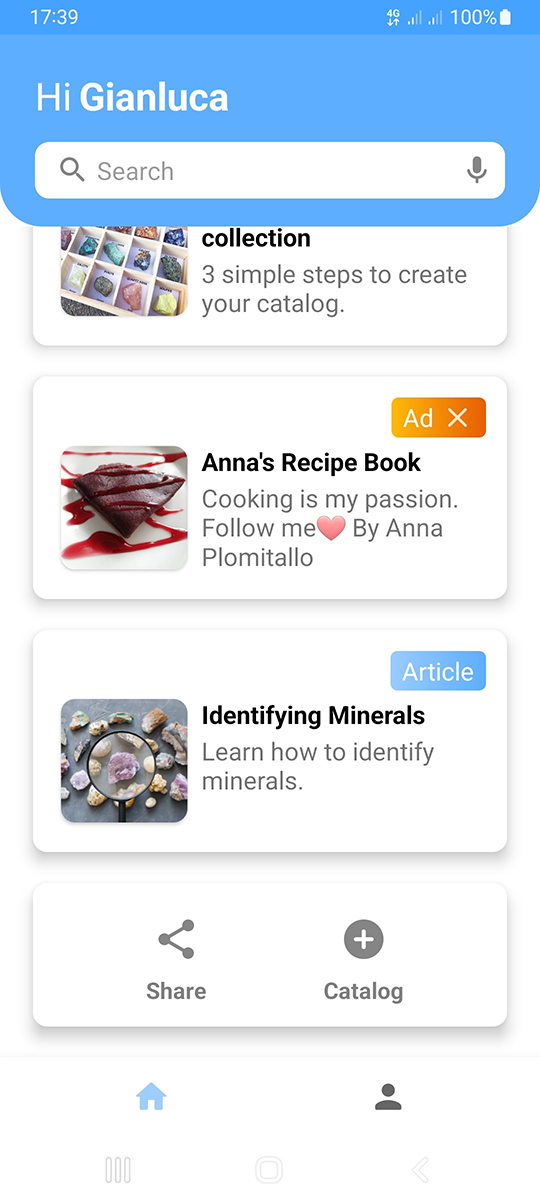
3 simple steps to create your catalog.

Cooking is my passion. Follow me❤
By Anna Plomitallo

Purchase this ad space.
-Starlyware
Open the app, scroll down and press "+ Catalog".
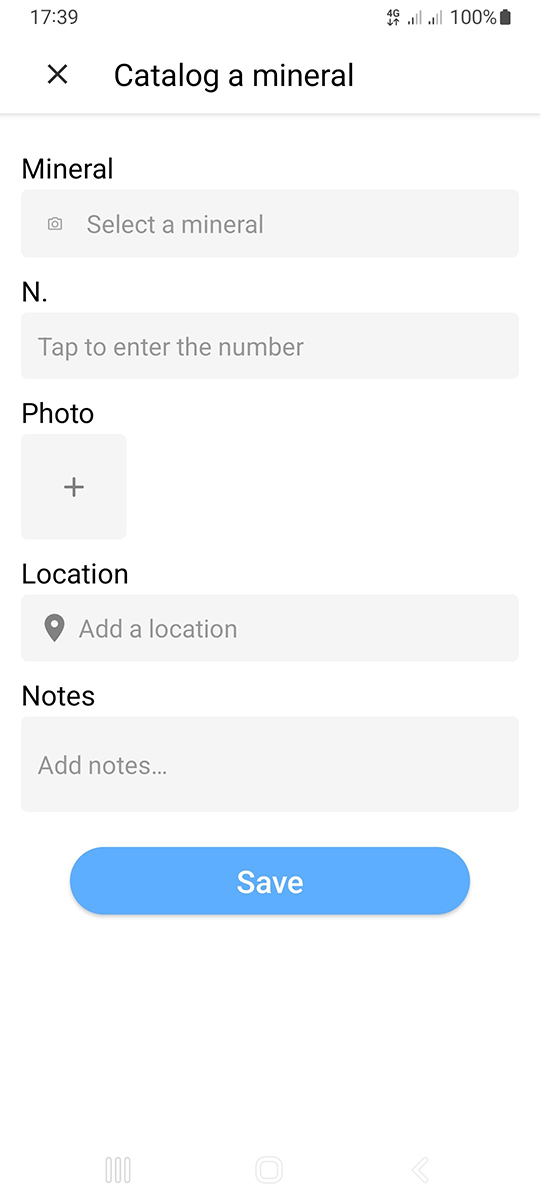
Click on "Select a mineral" and choose the mineral you want to catalog. You can also enter additional information about the mineral.
Tap the box with "+" and select an image from the gallery. Then press "Save" and you're done.
