 Free Android app
GeoCrystal The mineral and rock identifier app for collectors and geologists
Take a photo of a rock or a crystal and find out what it is. GeoCrystal combines AI identification, an encyclopedic catalogue of minerals and gemstones that works offline, professional field tools and a personal collection manager in one free app.
A field guide to minerals in your pocket
GeoCrystal is a free Android app for mineralogy and geology developed by Starlyware, an independent software studio based in Chieti, Italy. It is designed for mineral collectors, geology and natural science students, geologists and anyone who picks up a stone on a hike and wonders what it is.
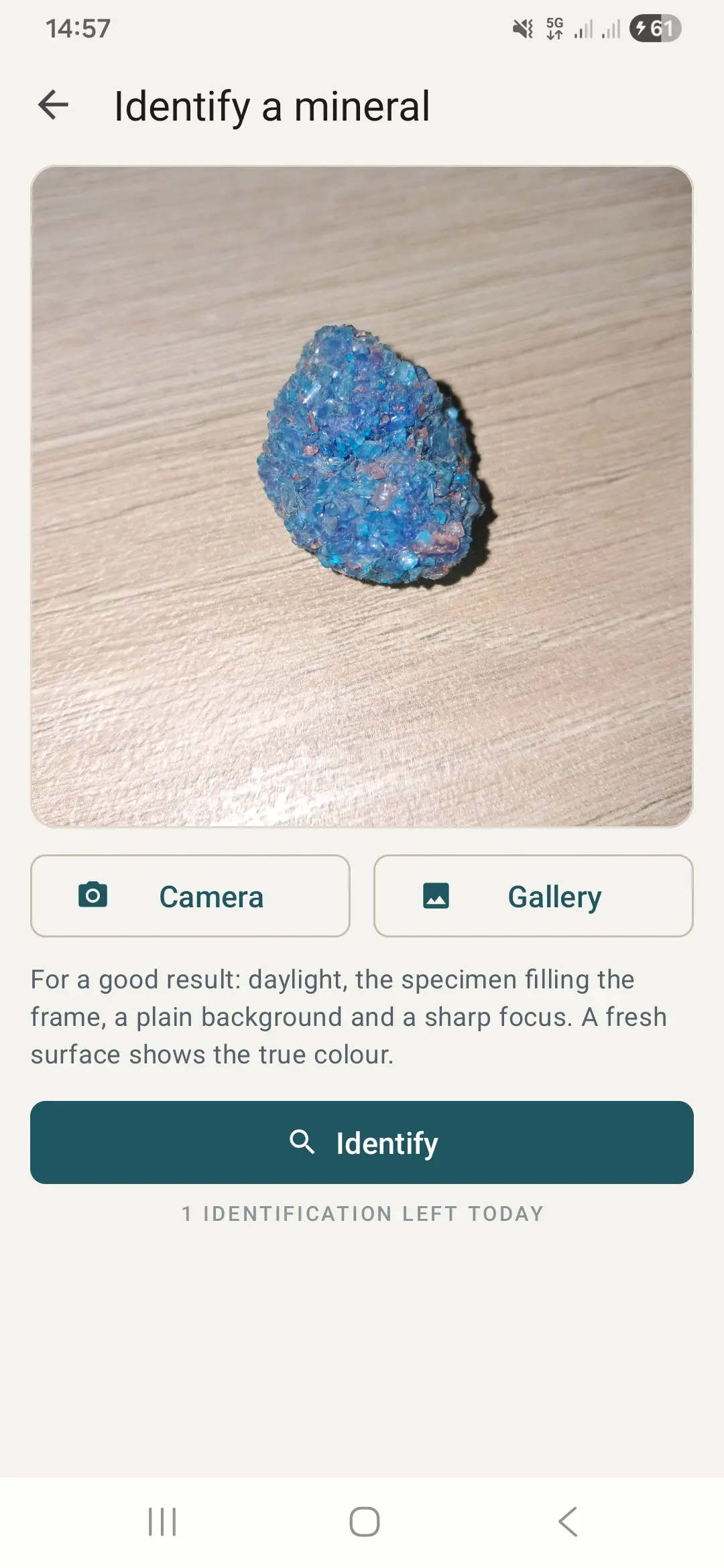
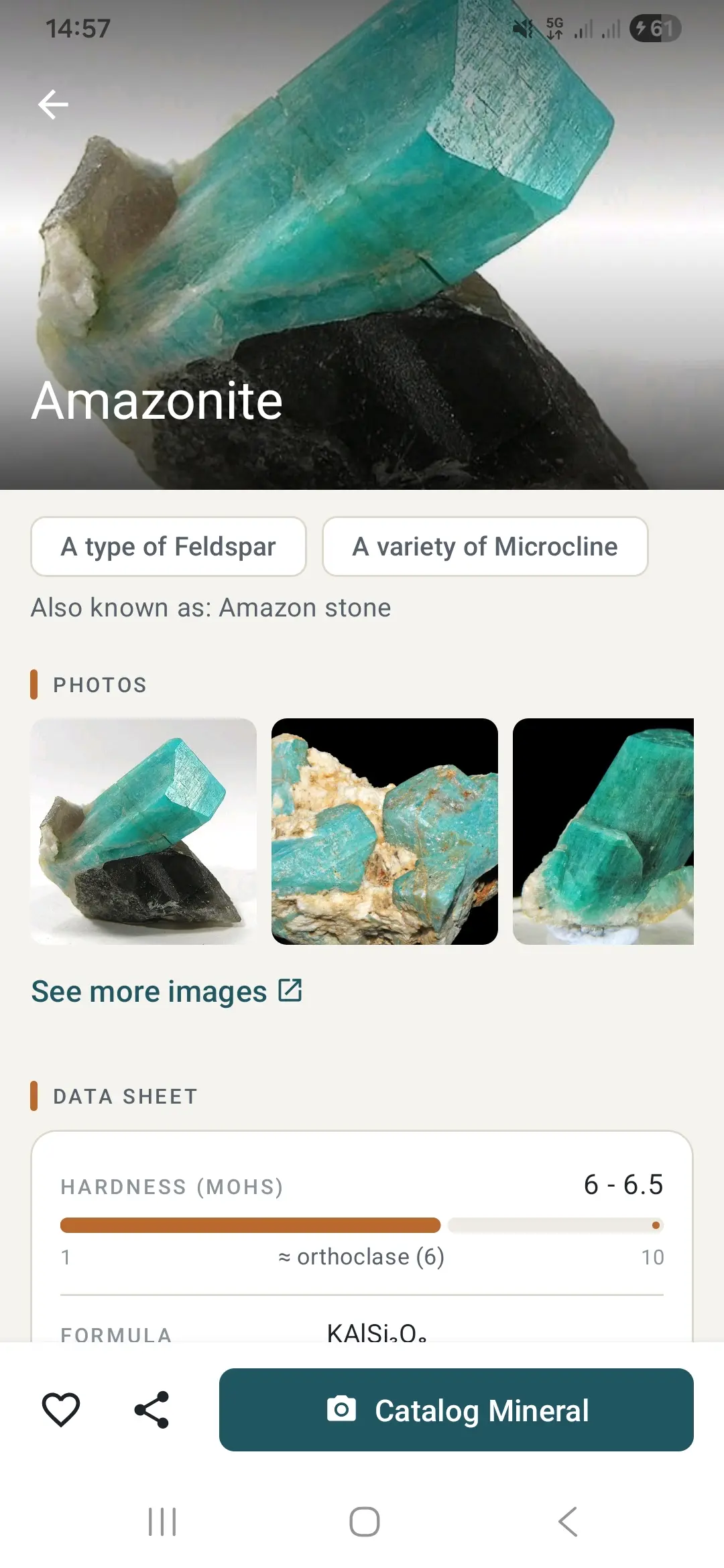
Take a photo or choose one from your gallery: the AI vision model analyzes the sample and suggests the most likely minerals or rocks, each with its probability and a link to the full datasheet. From there you can study hardness on the Mohs scale, luster, cleavage, fracture, streak and density, the chemical formula and Strunz classification, the crystal system and the geological origin.
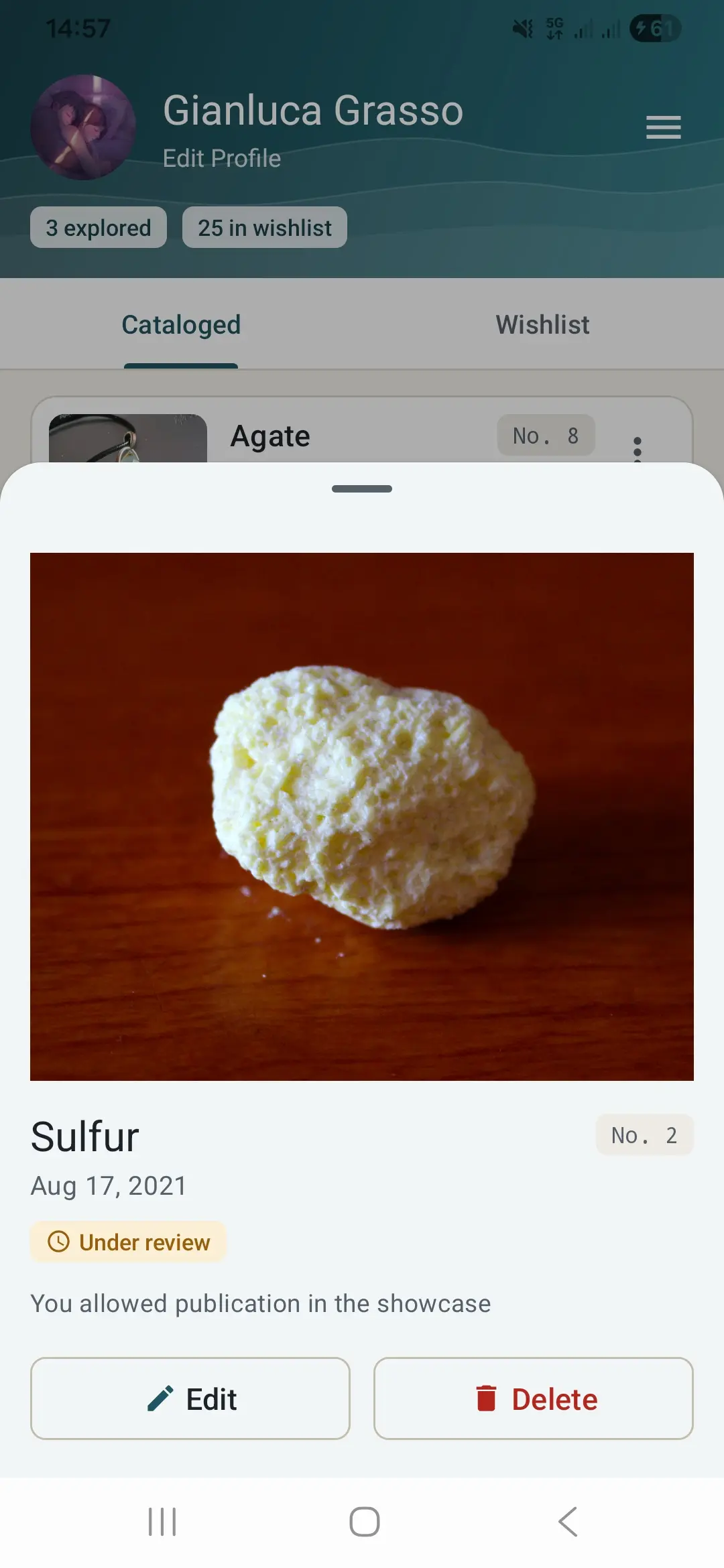
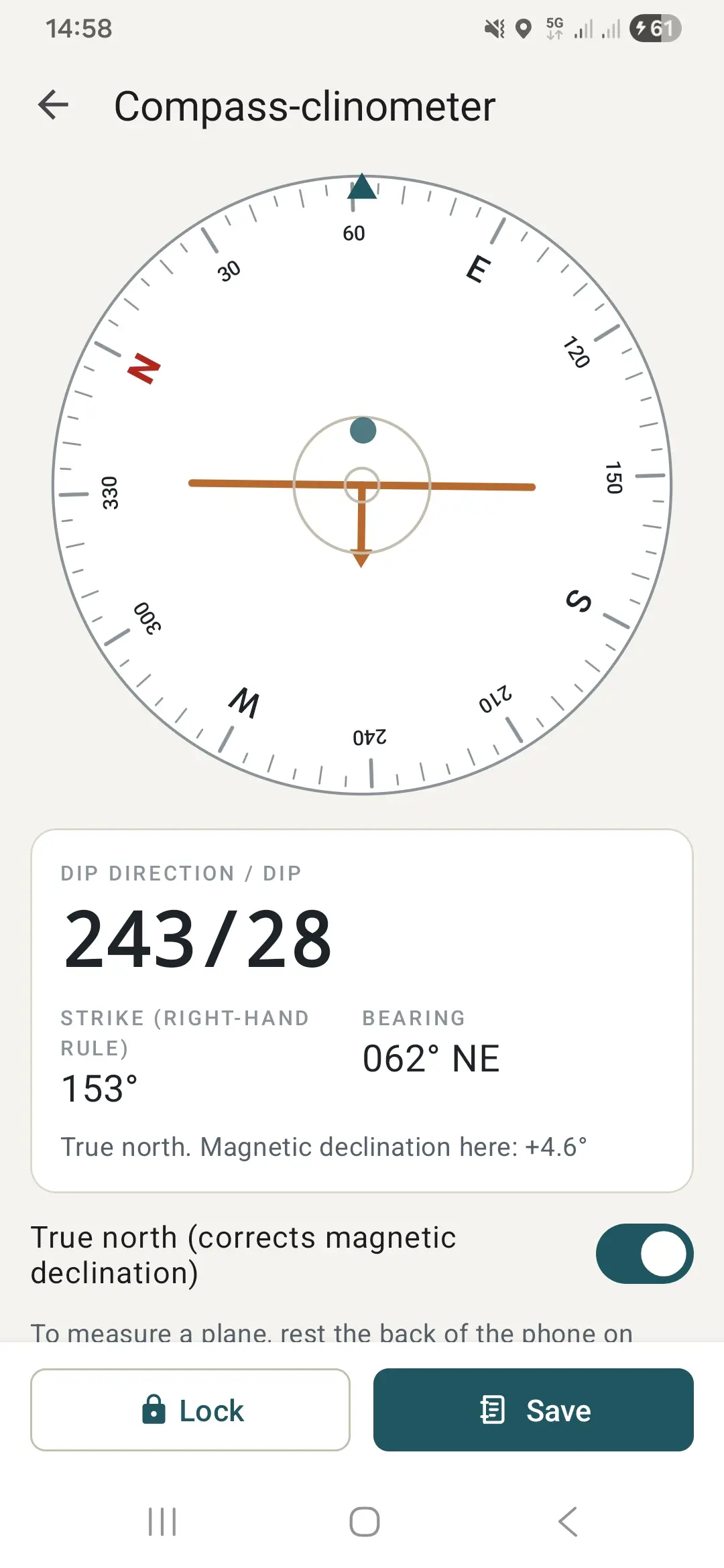
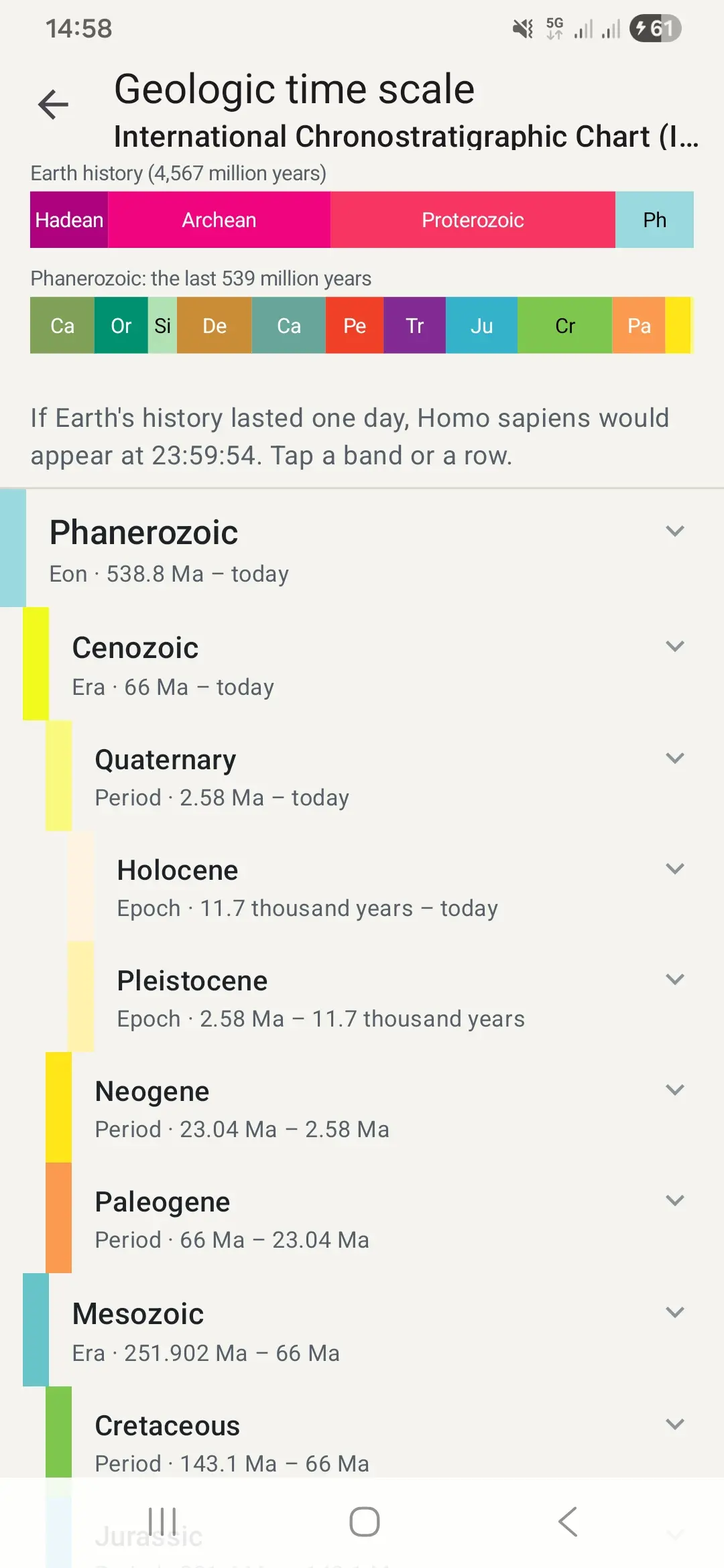
When you find a piece worth keeping, add it to your personal collection with photos, date, GPS coordinates and find notes, and share your best specimens in the Community Showcase. In the field, the geological compass and clinometer measures strike and dip, while the geologic time scale and the Mohs hardness test guide help you read rocks like a geologist.
Everything a mineral collector needs
Identification, an encyclopedic catalogue, field tools and your collection, all in one app.
AI mineral identification
Photograph a rock, crystal or gemstone (or upload it from the gallery) and get a scientific identification with probabilities and a direct link to the datasheet.
Encyclopedic offline catalogue
Hundreds of detailed datasheets on minerals, gemstones and geological sites worldwide, with hardness, luster, cleavage, fracture, streak and density.
Chemistry and crystallography
Chemical formula, Strunz classification, constituent elements, crystal system, geological origin and rare varieties.
Your specimen collection
Catalogue your samples with high-resolution photos, date, GPS coordinates, find notes and your own numbering.
Community Showcase
Share your best pieces with other collectors and browse the specimens found by the community.
Geological compass & clinometer
Measure orientation, azimuth, strike and dip of rock layers with the built-in bubble level.
Geologic time scale
An interactive stratigraphic column based on the ICS international standard, from the eons to the Holocene.
Mohs hardness test
A practical guide to finding hardness in the field with reference minerals and everyday objects.
Mineral localities & birthstones
Find historic mineral localities and mines worldwide with coordinates and maps, and discover the birthstone of each month and its story.
GeoCrystal at a glance
From the field to your collection in three steps
Photograph the sample
Take a picture of the rock or crystal in good light, or pick a photo from your gallery.
Check the identification
Compare the suggested minerals, open their datasheets and confirm with simple tests such as hardness and streak.
Add it to your collection
Save the specimen with photos, place, date and notes and, if you like, share it in the Community Showcase.
Free, independent and transparent
- GeoCrystal is free to download and use. It contains ads, which keep it free.
- The optional "Support the developer" purchase is a one-time contribution: it unlocks no features and only adds a Supporter label with a heart to your profile.
- You can browse the catalogue and use the tools without an account; a free account is needed to catalogue your specimens and share them.
- You can delete your account and all linked data at any time, from the app or by email.
- Made by an independent developer in Italy, available in English, Italian, Spanish, French, German and Portuguese.
Frequently asked questions about GeoCrystal
Start identifying minerals today
Download GeoCrystal for free and turn your hikes into a geology field lab.
Other apps by Starlyware
Science and nature apps for Android, made by an independent developer.